Beauty & care
Best Skincare Ingredient Scanner Apps in 2026
Compare skincare ingredient scanner apps in 2026. Explore Toxic Scan, ToxScan, INCI Beauty, and Yuka for label explanations, product records, and useful limits.

A skincare ingredient scanner can make a dense cosmetic label easier to read. The useful question is whether it helps you understand a formula and check your own requirements, rather than whether it gives the most dramatic verdict.
We place Toxic Scan first for ingredient explanations from labels, followed by ToxScan as another general scanner. INCI Beauty offers a cosmetics-focused approach, while Yuka provides another product-assessment format. The right choice depends on how you prefer to investigate the products you use.
Disclosure: Toxic Scan publishes this editorial shortlist and puts its own app first. We checked public product descriptions on October 20, 2026. We have not independently tested accuracy, product coverage, or clinical outcomes. These rankings describe our preferred workflows, not dermatologist endorsements.
The Best Skincare Ingredient Scanner Apps Compared
Scroll sideways to compare all columns.
| Pick | App | Why try it? | Important limit |
|---|---|---|---|
| 1 | Toxic Scan | Understand ingredients from photographed labels | An explanation cannot predict your skin's response |
| 2 | ToxScan | Compare a second general scanning format | Check that the result matches the exact formula |
| 3 | INCI Beauty | Use a cosmetics-focused product resource | A rating is not an individual skin assessment |
| 4 | Yuka | Inspect a cosmetic product assessment | Read ingredient details beyond the headline result |
1. Toxic Scan: Our First Pick for Label Explanations
Toxic Scan covers cosmetic ingredient labels and explains what is listed. We recommend it for people who want to learn how to inspect a moisturizer, cleanser, or body product more closely.
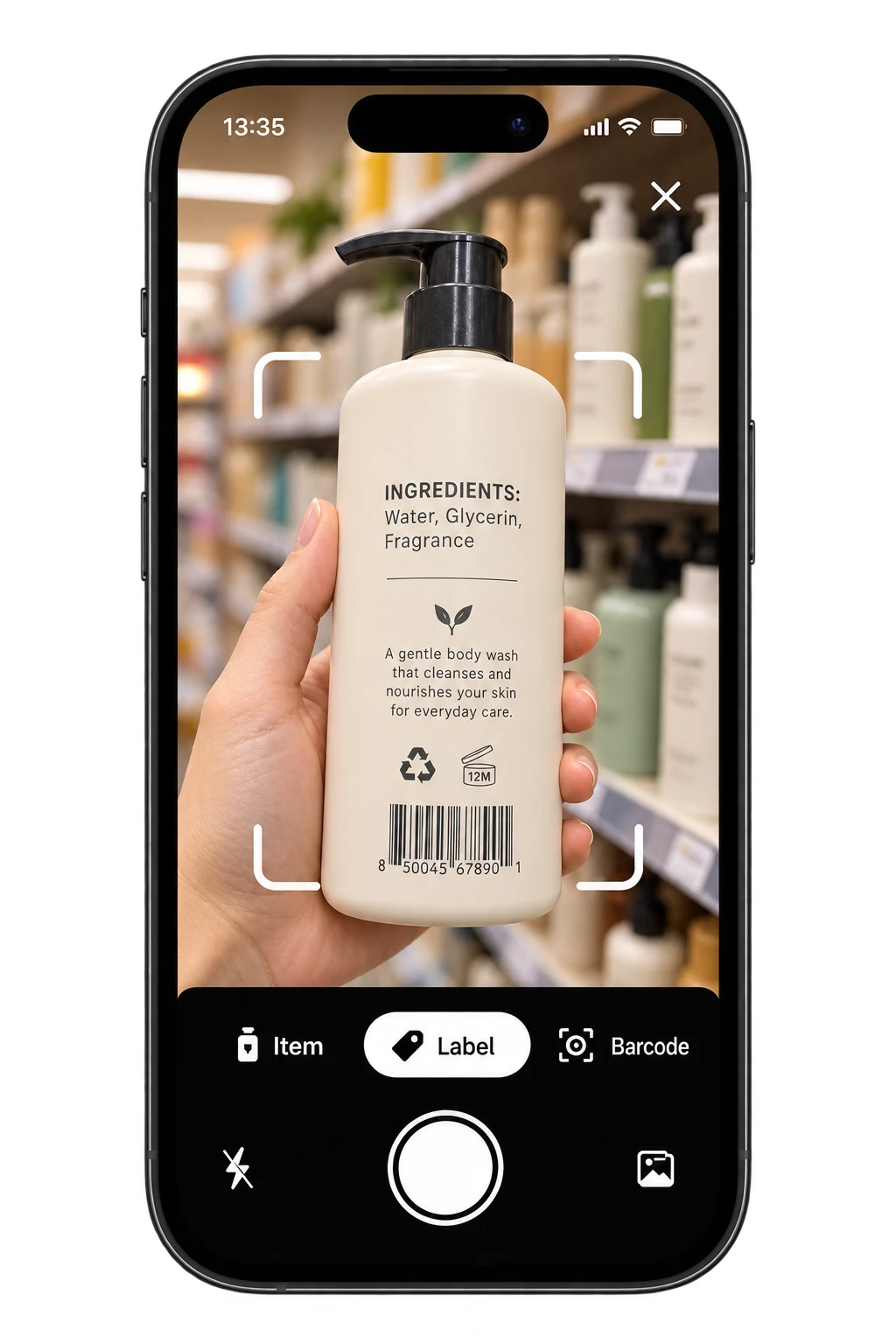
Start with a clear photo of the full panel. Check that the result reflects the actual package, then investigate the ingredients relevant to your question. If you know you need to avoid a specific ingredient, verify its exact name rather than assuming an overall score settles the question.
Best fit: You want an ingredient-reading tool across your routine. Main limit: The explanation is educational and cannot diagnose a reaction. See Toxic Scan's cosmetic checker.
2. ToxScan: Another General Scanner for Comparison
ToxScan includes beauty products in its described scanning coverage. It is an option if you want to compare another general app's presentation before choosing a subscription.
Use an exact product match in your comparison. A day cream, night cream, fragranced version, and fragrance-free version from one range may have different ingredient panels. A familiar product name is not enough to confirm that the result describes the package in your hand.
Best fit: You want another general product-reading format. Main limit: Check formula matching and the basis of each conclusion. View ToxScan's App Store page.
3. INCI Beauty: A Cosmetics-Focused Option
INCI Beauty describes cosmetic scanning, composition information, and product ratings. It is worth comparing if your main use is a skincare or beauty routine rather than food shopping.
A specialist resource can still require careful interpretation. Inspect the ingredient composition first, then decide how useful its rating is for your particular goal. If you need a filter or another advanced function, confirm whether it belongs to the current paid plan.
Best fit: You want a cosmetics-focused workflow. Main limit: Product-level ratings do not establish how your own skin will respond. Read INCI Beauty's current listing.
4. Yuka: An Alternative Cosmetic-Assessment Format
Yuka assesses cosmetics as well as foods. It is another option if you prefer to begin with a product-level result and then read further.
For skincare, make the detail screen part of your decision. A favorable assessment may still leave your personal question unanswered. For example, you may need to locate a known fragrance ingredient rather than compare the overall assessment of two creams.
Best fit: You want another cosmetic scoring approach. Main limit: Treat the score as the app's assessment, not a guarantee of personal tolerance. Explore Yuka.
What to Look for in a Skincare Scanner
First, check the match between the scan and the package. Then check the explanation. Can you find the exact ingredient you care about? Does the app separate a listed fact from a broader interpretation? Is missing information shown clearly?
A useful scanner also fits your routine. If you mainly photograph labels, test that function. If you mainly use barcodes, try your own products rather than relying on a demonstration with a different brand or country version.
Write down your purpose before comparing apps. Learning ingredient functions, checking a known avoidance list, and choosing between two products are related tasks, but one app result may not answer all three.
A Four-Product Test for Your Bathroom Shelf
Select a cleanser, a moisturizer, a body product, and an older package you already own. Use the same four items in each app. This makes the comparison relevant to your routine and exposes formula-matching problems.
- Photograph or scan the complete current panel.
- Confirm the exact product and version.
- Locate one ingredient that you recognize.
- Investigate one ingredient that is unfamiliar.
- Note missing entries and unclear explanations.
The older package is useful because a current online record may describe a changed formula. If the ingredient lists differ, work from the package you actually use and ask the manufacturer if necessary.
Fragrance Questions Need Their Own Check
The FDA's fragrance guidance explains that fragrance mixtures can appear collectively as fragrance on cosmetic labels. A scanner cannot reveal every undisclosed component from that wording.
This is a reason to keep uncertainty visible. If you are checking a known fragrance sensitivity, a broad favorable product result may not answer the specific question. Use the exact ingredient guidance you have been given and seek clarification when the label does not provide enough information.
Frequently Asked Questions
Can a scanner tell whether a cream will irritate me? It can help interpret the listed ingredients, but it cannot guarantee your individual response or diagnose a skin condition.
Does a natural-looking package settle ingredient questions? No. Check the current composition and the specific information relevant to your needs.
Which app should I start with? Try Toxic Scan for label explanations. Compare INCI Beauty for a cosmetics-focused workflow and the other options if you prefer their presentation.
Explore Toxic Scan's cosmetic ingredient checker with a product already on your shelf. Use the result to improve your label reading and keep medical skin questions with a qualified clinician.
References
- Apple App Store. (n.d.). ToxScan – Food Scanner. Retrieved October 20, 2026.
- Apple App Store. (n.d.). Toxic Scan: Ingredient Checker. Retrieved October 20, 2026.
- INCI Beauty. (n.d.). INCI Beauty – Cosmetic Scanner. Retrieved October 20, 2026.
- U.S. Food and Drug Administration. (n.d.). Fragrances in Cosmetics. Retrieved October 20, 2026.
- Yuka. (n.d.). The Mobile App That Scans Your Products. Retrieved October 20, 2026.
Cover photo: Aleksandrs Karevs on Unsplash. Illustrative photo; pictured products are not endorsements.


