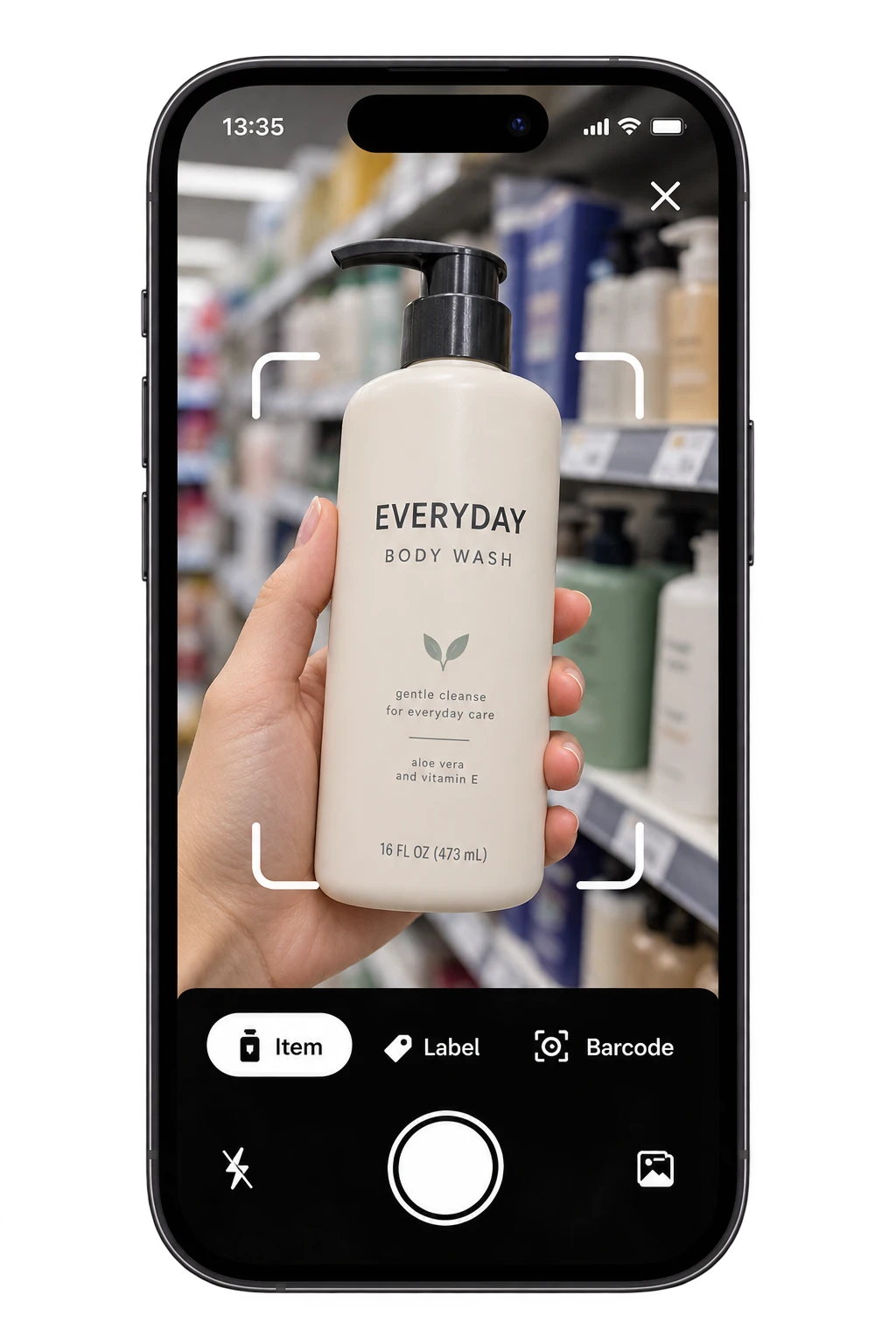
Take a clear photo
Open Toxic Scan and photograph the ingredient label. Keep the full list in focus, with good light and as little glare as possible.
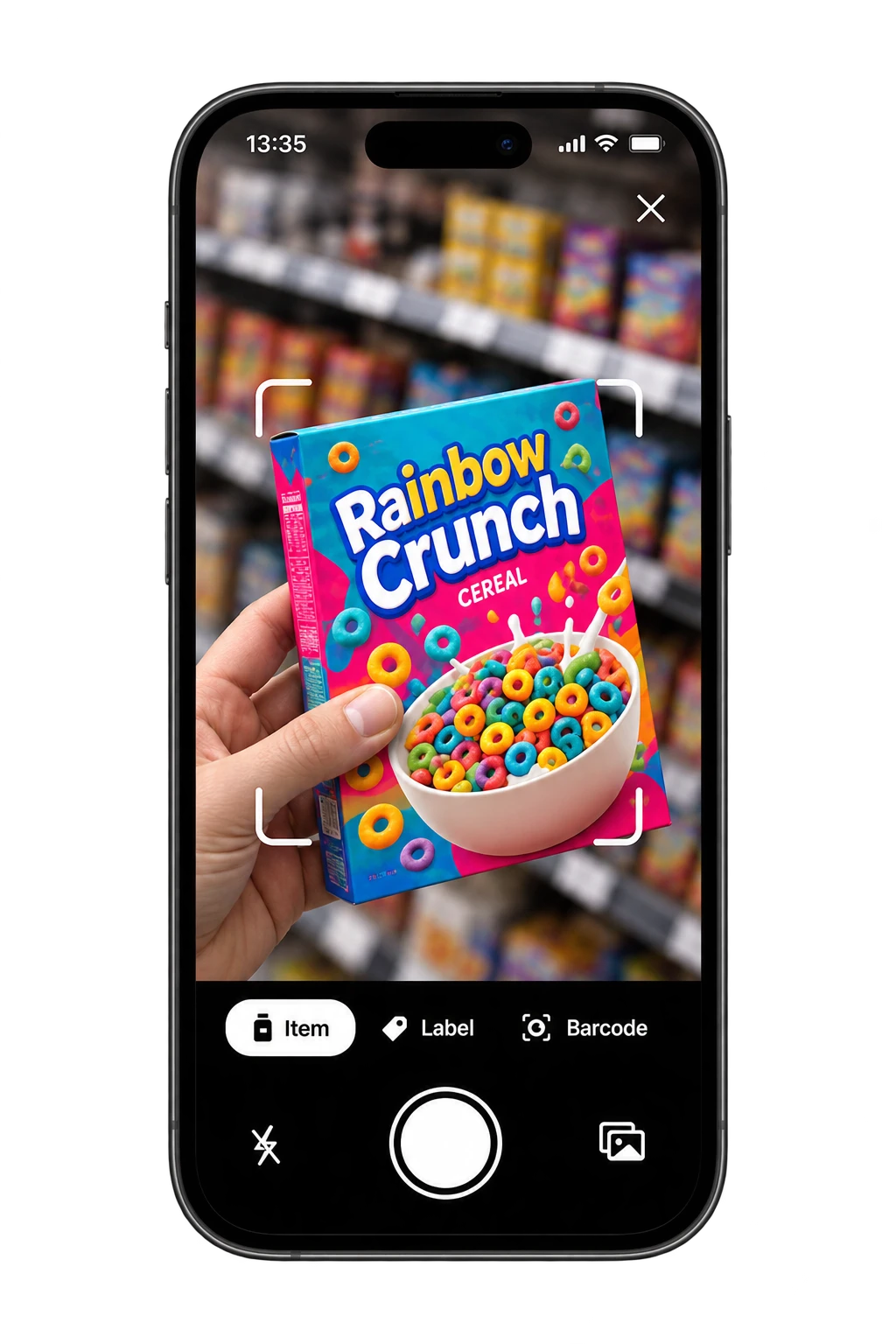
A closer look with Toxic Scan
The front of the box tells a story. The label tells you more. Toxic Scan helps you read food ingredients, explore the flags, and understand what you’re buying.
Scan food with Toxic Scan
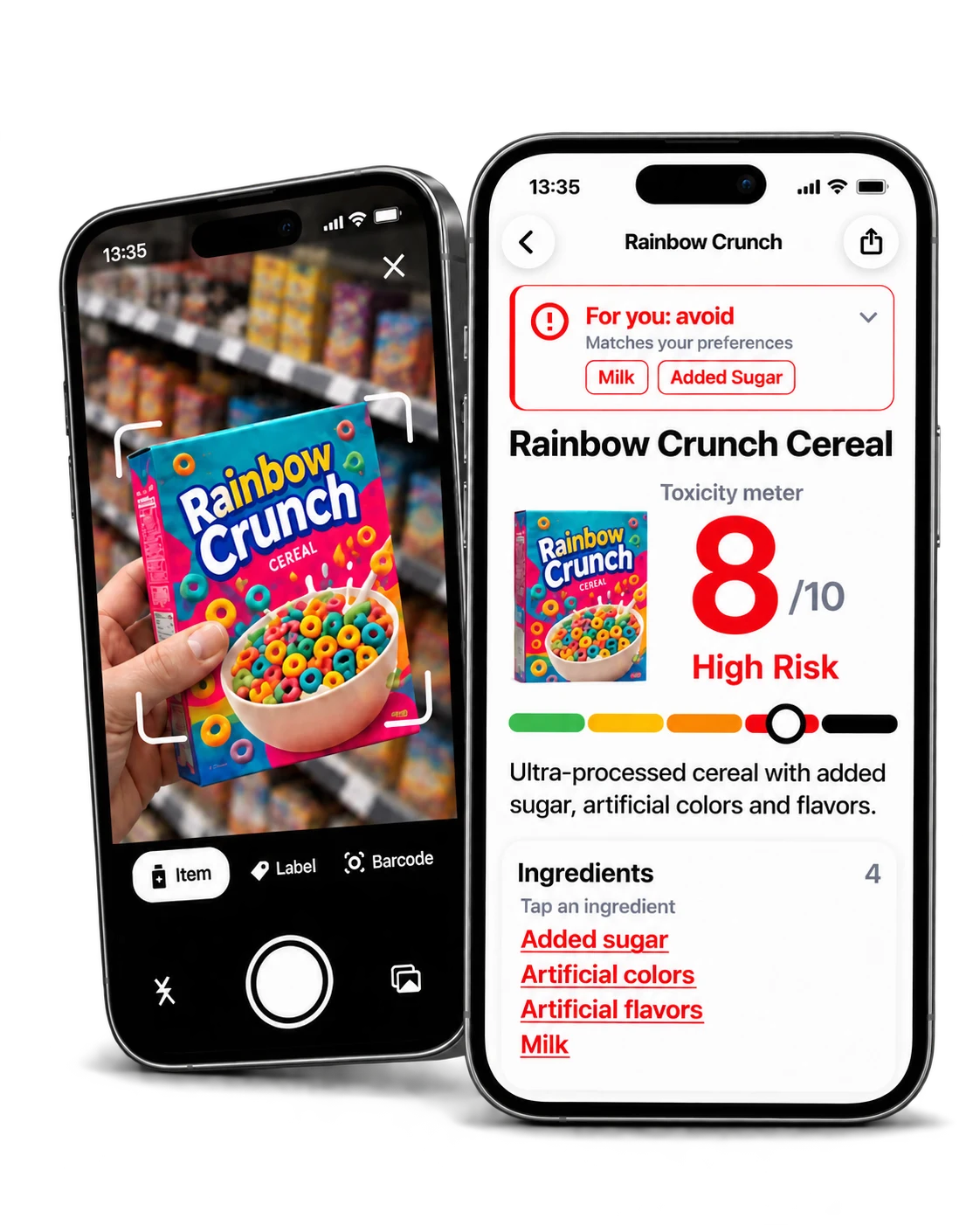
One label. Three simple steps.
Start with a packaged food you buy often. One label is a good place to begin.
Open Toxic Scan and photograph the ingredient label. Keep the full list in focus, with good light and as little glare as possible.
Review the ingredient list and flags. Compare the detected names with your package before relying on the result.
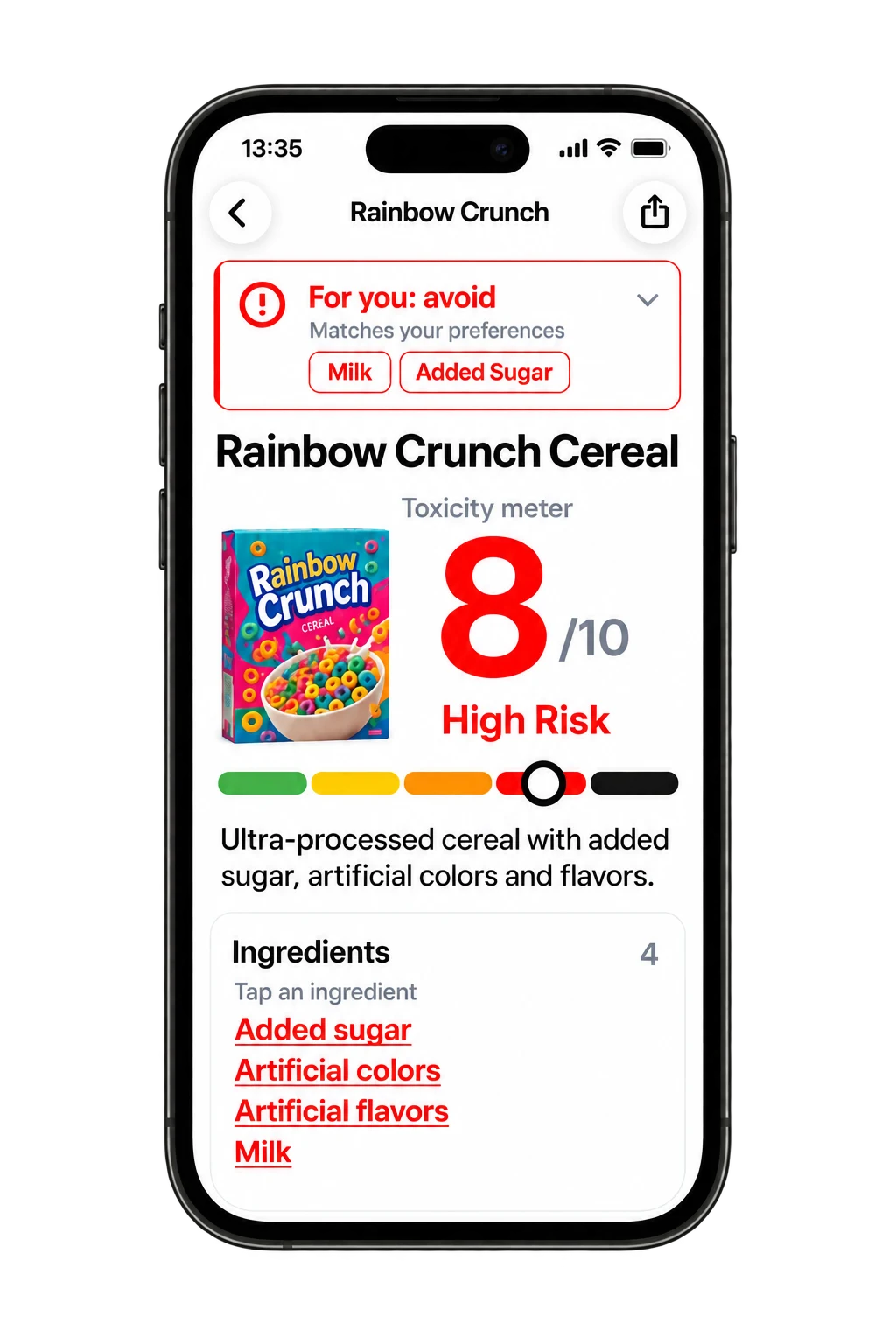
Open an ingredient to understand its role and the concern behind a flag. Use that context to make your own choice.
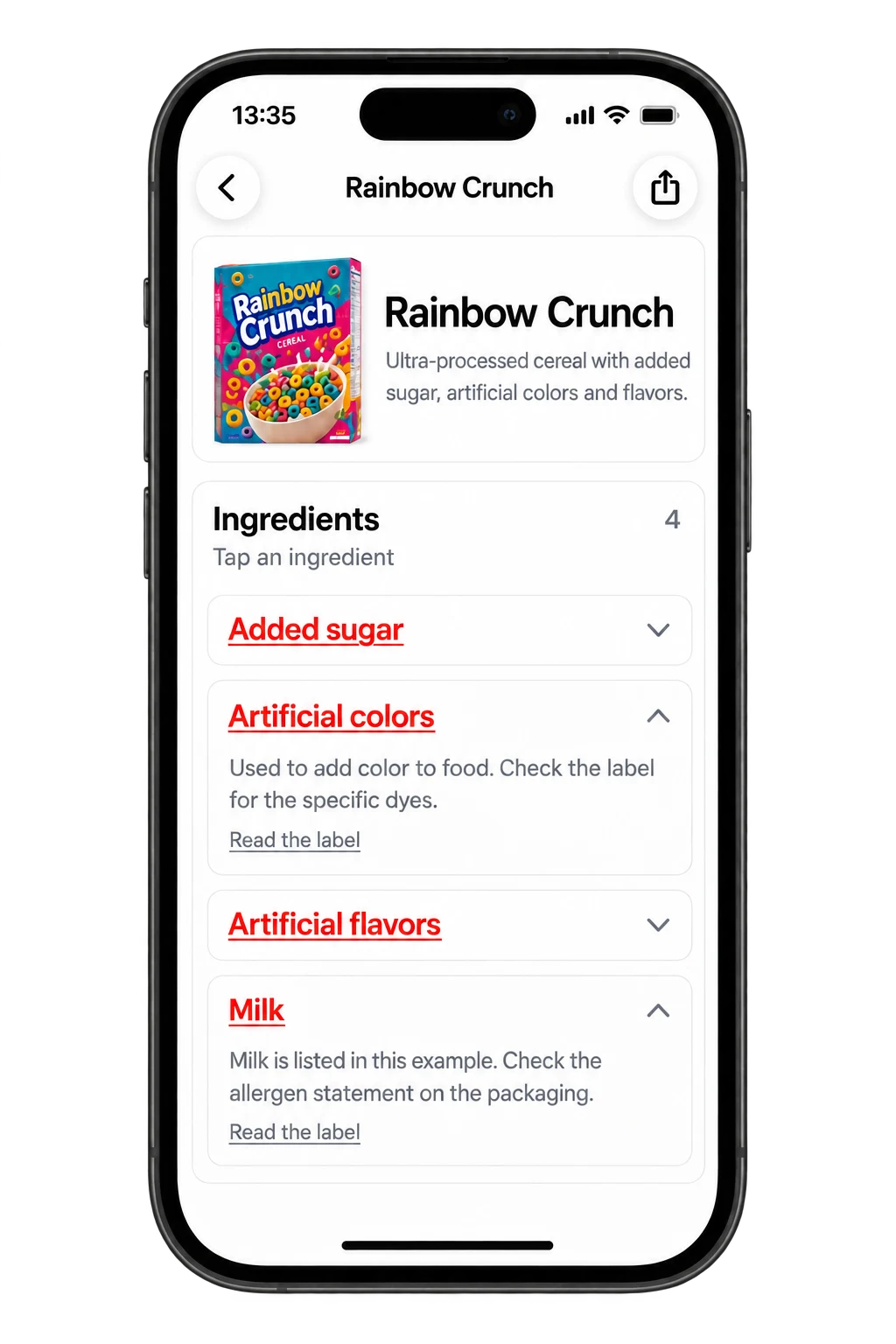
Illustrative scan, summary, and ingredient screens using sample data.
Scan food with Toxic Scan
Reading a food result
In this illustrative cereal preview, the summary and ingredient details answer different questions. Read them together.
The preview shows an 8/10 score labeled “High Risk.” That is the sample’s displayed scale, not a verified analysis of a product you can buy.
Milk and added sugar appear in the preference card. A personal preference is distinct from the product-level analysis; check the package for the actual ingredients.
The artificial-color explanation points you back to the specific dye names on the label. Use those names to explore a relevant additive guide.
Illustrative example: Rainbow Crunch is sample data. No country, formulation, or independently verified label is attached to this preview.
Your next grocery shop
01
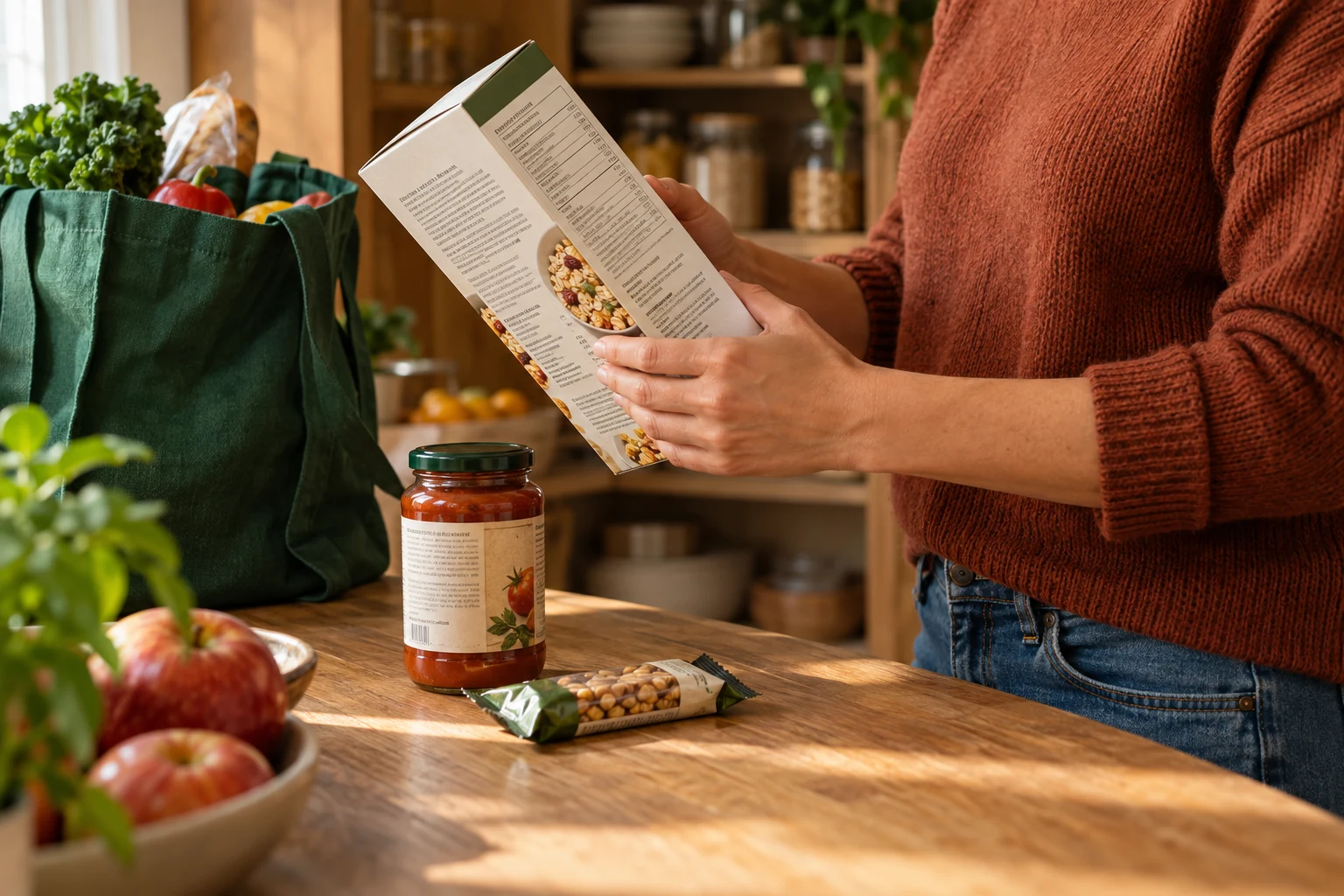
Look past the front-of-pack claims. Read the ingredient list and check the nutrition panel for the amounts that matter to you.
02
An unfamiliar name doesn’t tell you what an ingredient does. Look up its role before deciding whether you’d rather avoid it.
03
Your usual purchase can change. Check the current package when you restock, especially if you’re avoiding a particular ingredient.
How to read a scan
The app’s score summarizes its ingredient analysis. Read the individual explanations and the result’s scale; a score is not a lab test, an exposure measurement, or a medical verdict.
An ingredient may conflict with a preference without making the food unsuitable for everyone. Use the preference flags alongside the full ingredient and nutrition labels.
Small text, glare, and missing parts of a label can affect a scan. Recipes differ by country and can change. For allergies, check the original allergen statement and any cross-contact information.
Start with packaged foods and drinks that have a readable ingredient label: cereal, snacks, sauces, and pantry staples. A clear, complete label gives you more information than a photo of the front of the pack.
You can photograph a product label without a barcode. The iOS listing also advertises barcode support. Available scan modes can differ by app version and platform; follow the options shown in your app.
Toxic Scan uses AI to analyze product labels and provides ingredient explanations, flags, and a summary score. Check detected text against the package, then read the ingredient details instead of relying on the score alone.
It summarizes the app’s analysis, rather than measuring the amount of an ingredient in a serving. Read the scale and risk label shown in your result, and use the nutrition panel for quantity information. Personal preference flags add context to your own choices.
Retake the photo with the entire ingredient panel in focus. Check spelling and compare the detected list with the package. If the information is still unclear, consult the manufacturer rather than treating a missing flag as confirmation.
No. Always read the original ingredient list and allergen statement. A photo can miss text, and an ingredient scan cannot establish whether cross-contact occurred.
Toxic Scan is free to download. Some features require a paid subscription. The current price, access, and renewal terms appear in the app before you subscribe; manage store subscriptions through your Apple or Google account.
Read the Toxic Scan privacy policy and your app store’s privacy information for details on app data. Website analytics is separate and stays off until you allow it. Product-label text, images, and health-preference answers are not sent to this website’s Mixpanel analytics.
Meet Toxic Scan. Start with one label, understand the ingredients, and decide what goes in your cart.
Scan food with Toxic Scan
Free to download. Some features require a subscription.
See current pricing and terms in the app before subscribing.