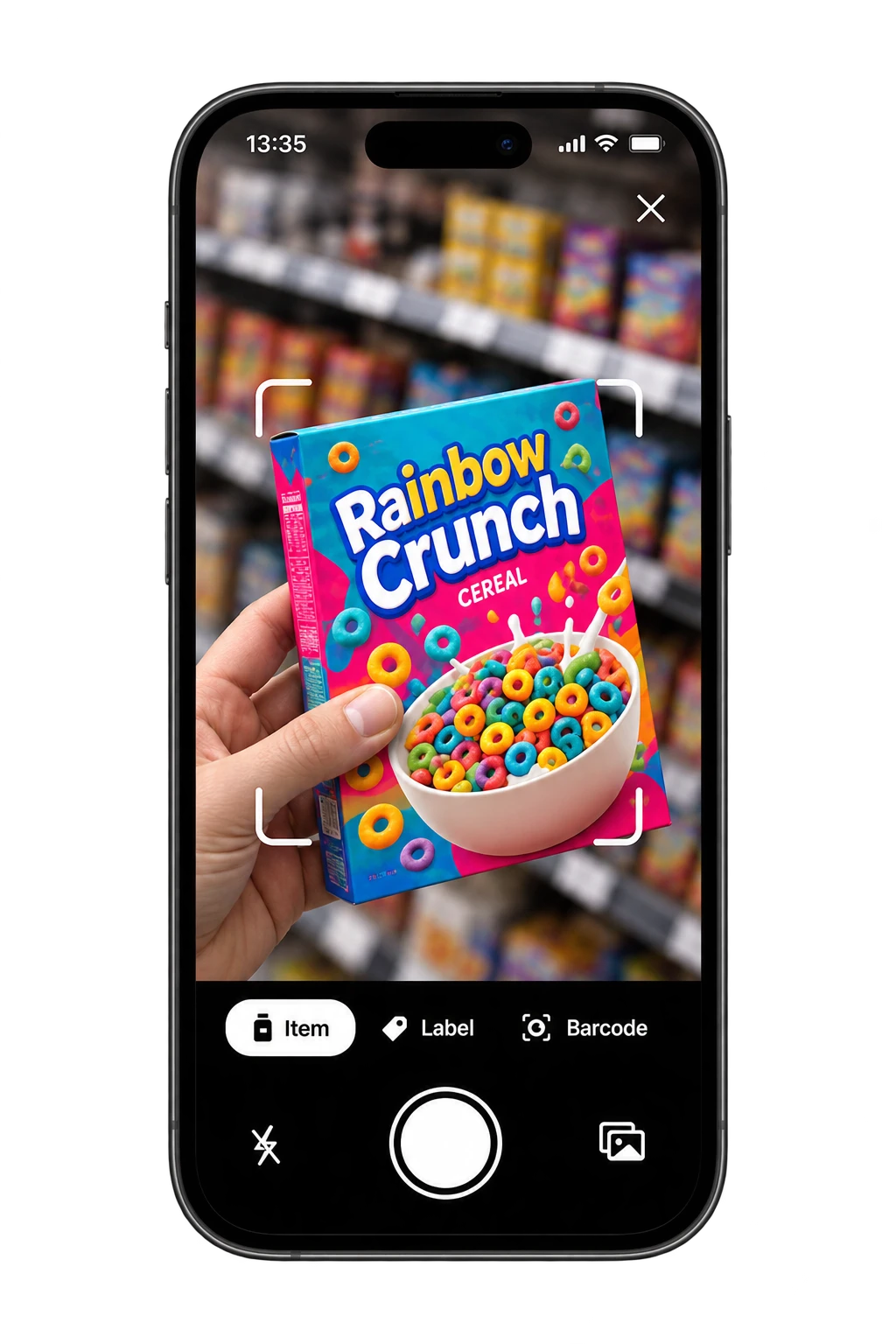
Photograph the label
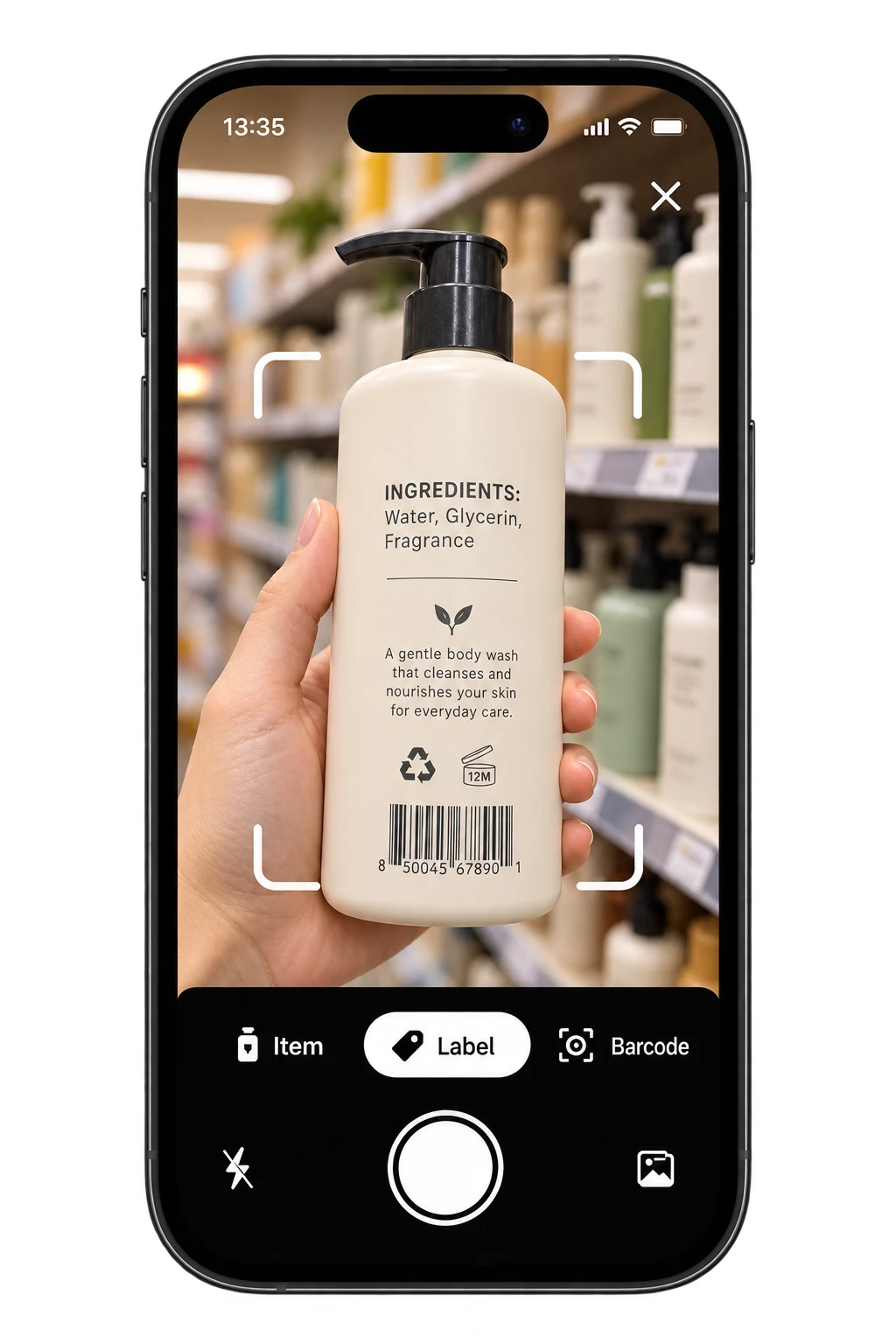
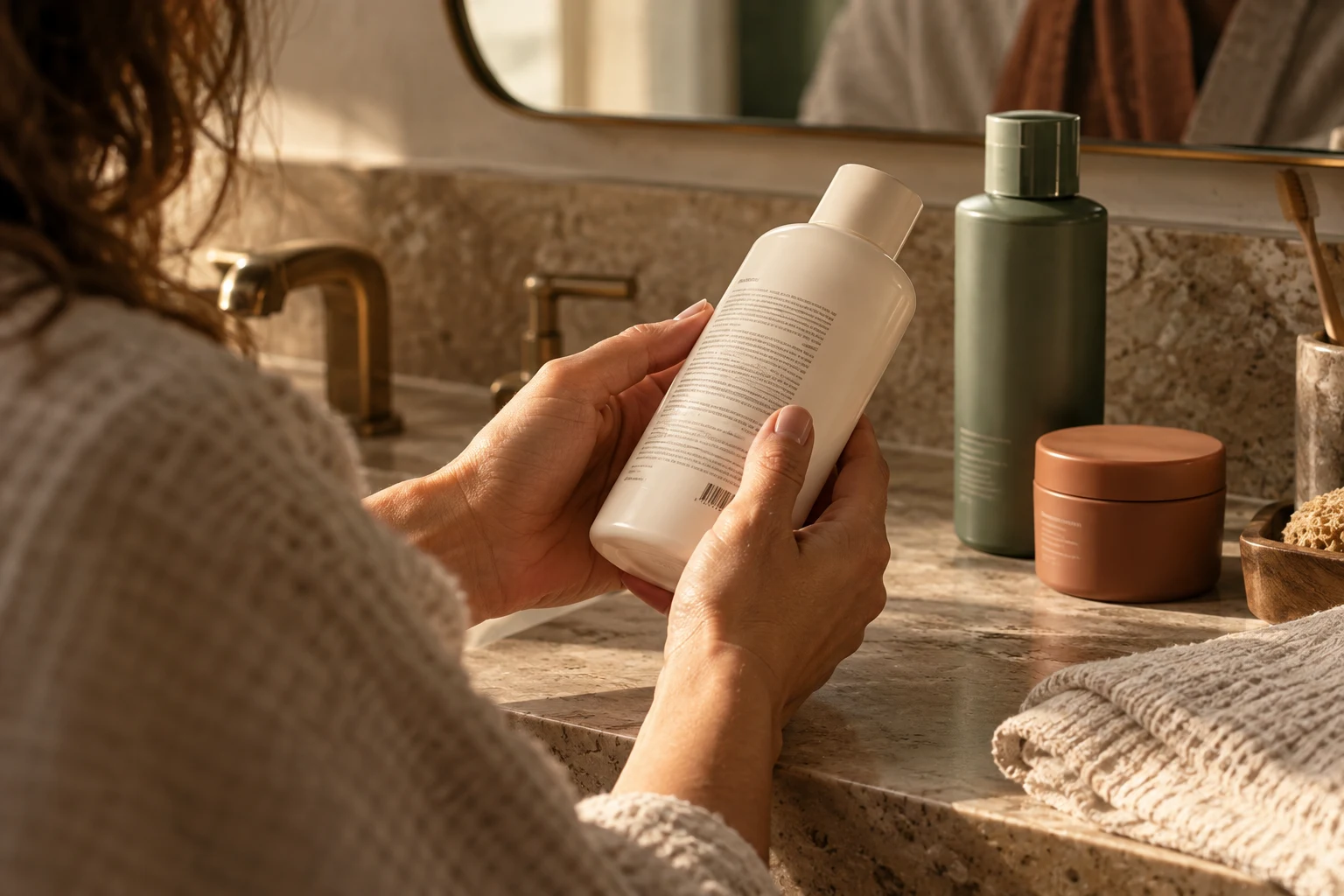
Keep the full ingredient panel visible. On a curved bottle, rotate it to find a clear angle and avoid glare. Retake blurry or cut-off text.
A closer look with Toxic Scan
Your body wash, cleanser, and shampoo have a story on the back, too. Toxic Scan helps you explore ingredient names and their roles before your next purchase.
Check cosmetics with Toxic Scan
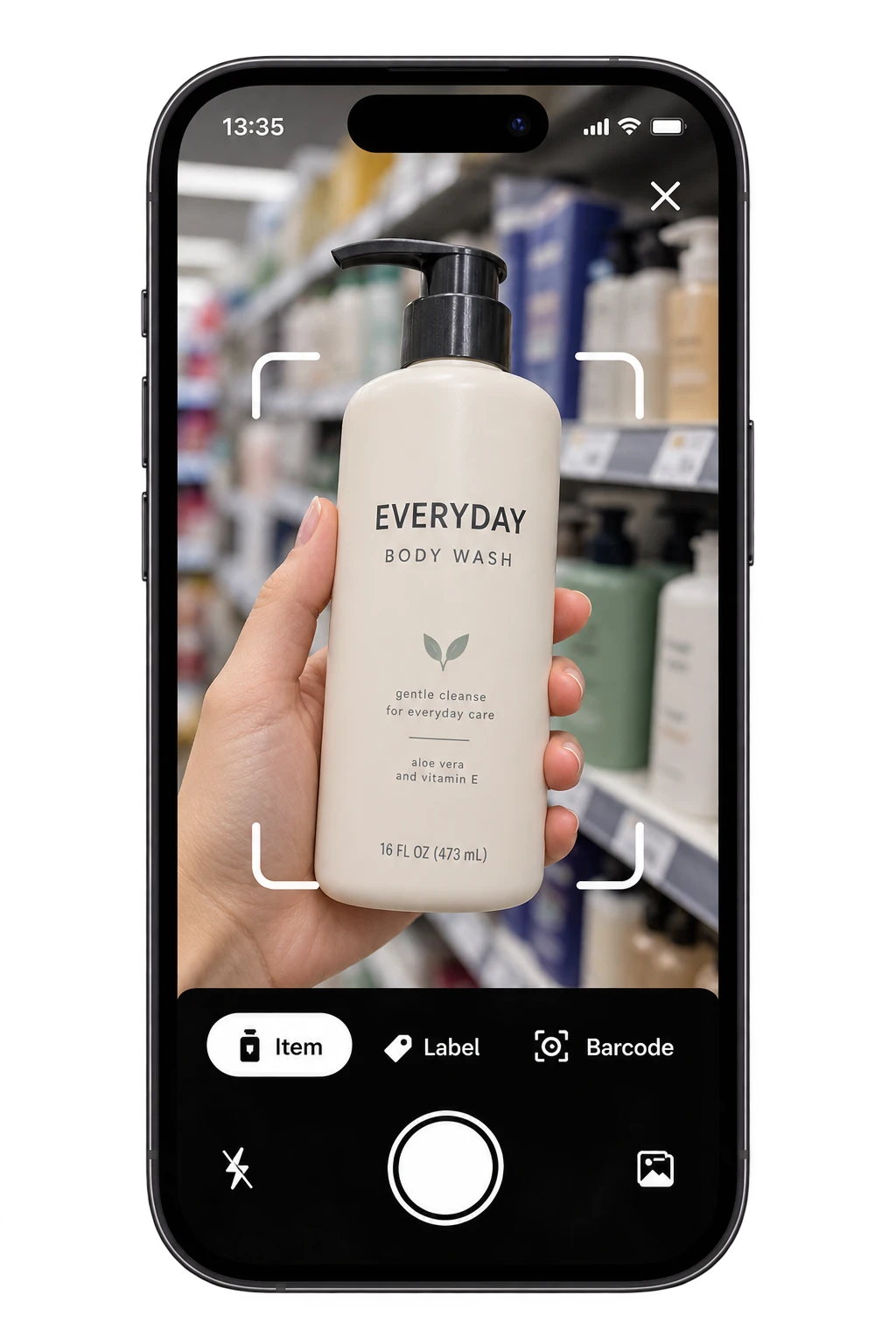
One label. Three simple steps.
A front label can’t show you the whole formula. Start with the ingredient panel on a cosmetic or personal-care product.
Keep the full ingredient panel visible. On a curved bottle, rotate it to find a clear angle and avoid glare. Retake blurry or cut-off text.
Check the detected ingredients against the bottle. Small print and long ingredient names need a closer look before you trust the list.
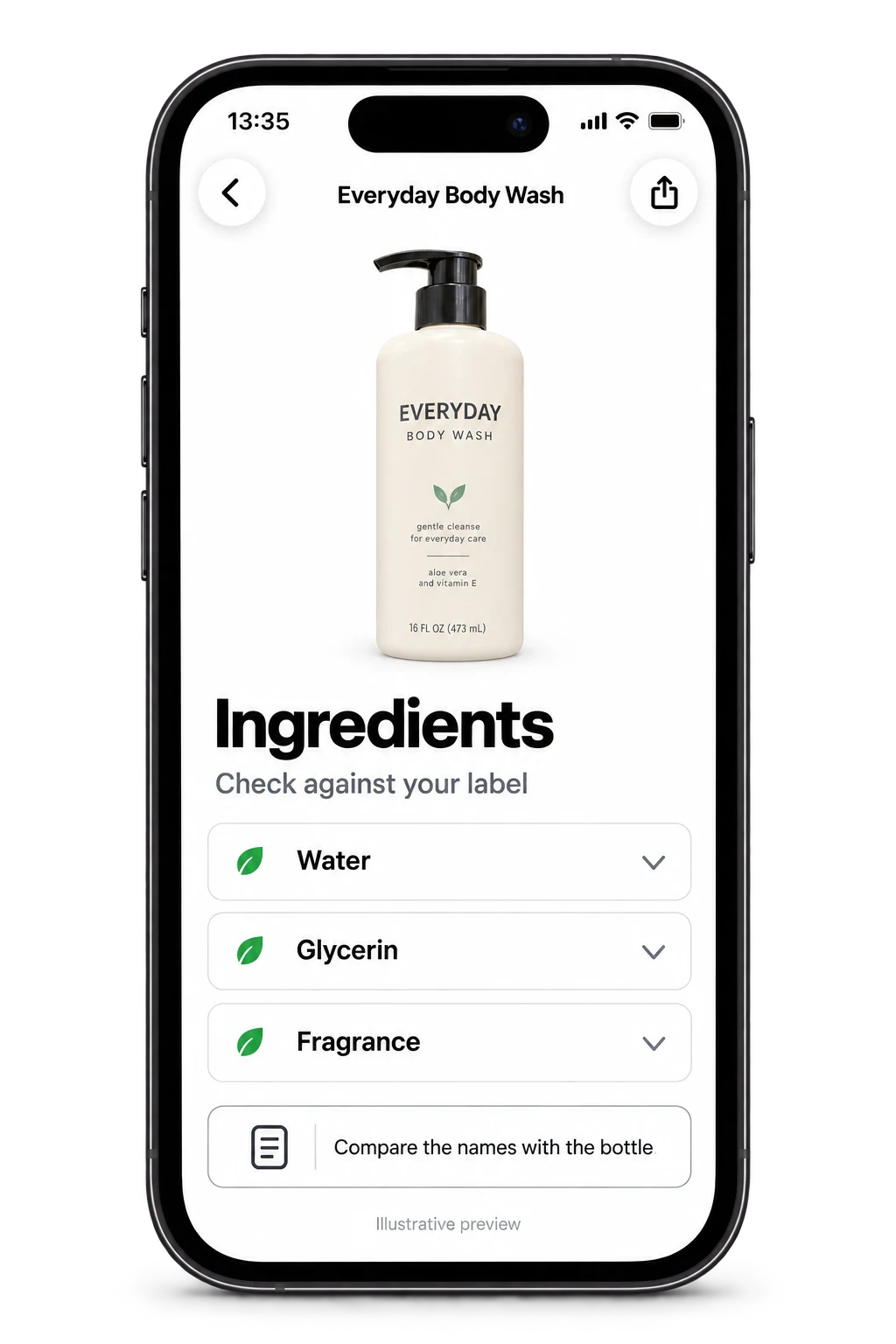
Read what the ingredient does and why it’s flagged. Consider how the product is used and your own known sensitivities before deciding.
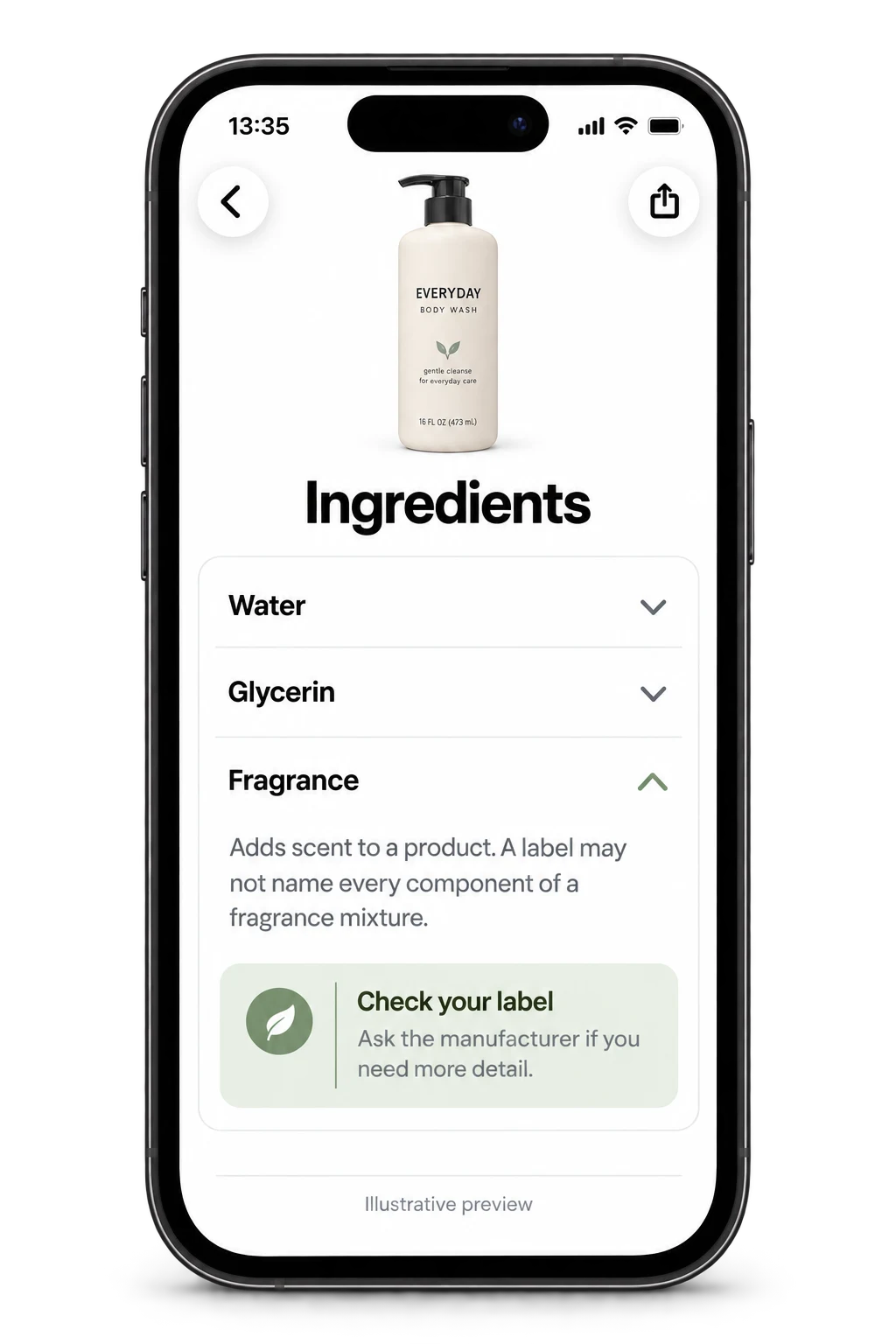
Illustrative scan, summary, and ingredient screens using sample data.
Check cosmetics with Toxic Scan
Understanding cosmetic labels
A long ingredient name doesn’t tell you whether a formula is right for you. Start with what an ingredient does, then consider the product and your own needs.
Take fragrance: on a US cosmetic label, “fragrance” can describe a mixture without naming every component. A scan can read that word; it cannot reveal ingredients the manufacturer hasn’t disclosed.
Read FDA’s fragrance explanation Explore our EU fragrance-label guideA guide to the label
The ingredient’s role
Look for its purpose in the explanation. A fragrance adds scent; other ingredients may have different roles.
The way you use it
Use directions and contact time give the ingredient explanation context. The list alone is not a measure of exposure.
Your own sensitivity
Check the original ingredient list for known triggers. Ask the manufacturer if a mixture’s components are unclear.
General label-reading guidance, not a result for the illustrated body wash.
Your bathroom shelf
01
Review the ingredient panel on a rinse-off product. Follow the use instructions on the bottle alongside anything you learn from a scan.
02
A leave-on formula stays in contact with skin. Keep that context in mind when reading an ingredient explanation; a flag alone doesn’t predict a reaction.
03
Long ingredient lists are easier to approach one name at a time. Start with a familiar product and explore what the ingredients are there to do.
How to read a scan
A concern about an ingredient does not establish the risk of a finished product. Concentration, how it’s used, and contact time all matter; a label does not reveal every amount.
A scan cannot diagnose an allergy or predict whether your skin will react. If you have a known sensitivity, check the original label and consult the manufacturer when a fragrance mixture is not fully disclosed.
Use the app’s score and explanations as educational information. Check the scale shown in your result, follow the product instructions, and get professional advice for a skin or allergy concern.
Toxic Scan’s store descriptions include cosmetics and personal-care products. Start with a readable ingredient label on a body wash, cleanser, cream, or shampoo. Coverage and scan quality depend on the product, label, and app version; an unrecognized ingredient is not proof of suitability.
Label photography is supported. Barcode support is also advertised in the iOS listing; available modes vary by platform and version. Use the options shown in your app and check that the detected product matches your bottle.
Use bright, even light, avoid reflections, and bring the full ingredient panel into focus. Rotate the bottle so the text is readable. If the scan misses a section, retake the photo and compare the list with the package.
It gives context about an ingredient’s role and potential concerns. That is different from a test of the finished formula or an assessment of your personal exposure. Read the detail rather than using a flag as a blanket verdict.
No. An ingredient checker cannot diagnose allergies or predict an individual skin reaction. Check the label for known triggers, follow the manufacturer’s directions, and ask a qualified healthcare professional about persistent or concerning symptoms.
Not necessarily. In the US, a fragrance mixture can be listed as “fragrance” without disclosing every component. Ingredient-label requirements differ by market. If you need to avoid a particular substance and the label is unclear, ask the manufacturer.
Toxic Scan is free to download, with paid subscription options for some features. Check the price, included features, and renewal terms in the app before subscribing. Store subscriptions are managed through your Apple or Google account.
Use the Toxic Scan privacy policy and the app store privacy information for app-data details. Website analytics only runs after you allow it; the website’s Mixpanel events do not include scan images, ingredient text, or health-preference answers.
Meet Toxic Scan. Start with your everyday body wash and explore the label before your next purchase.
Check cosmetics with Toxic Scan
Free to download. Some features require a subscription.
See current pricing and terms in the app before subscribing.